A colorwork tool for crochet & knitting
Draw a square chart, see it as real stitches
Preview your chart, follow it row by row, and organize your pattern, all in one place.
- Free
- No sign-up
- Phone & computer
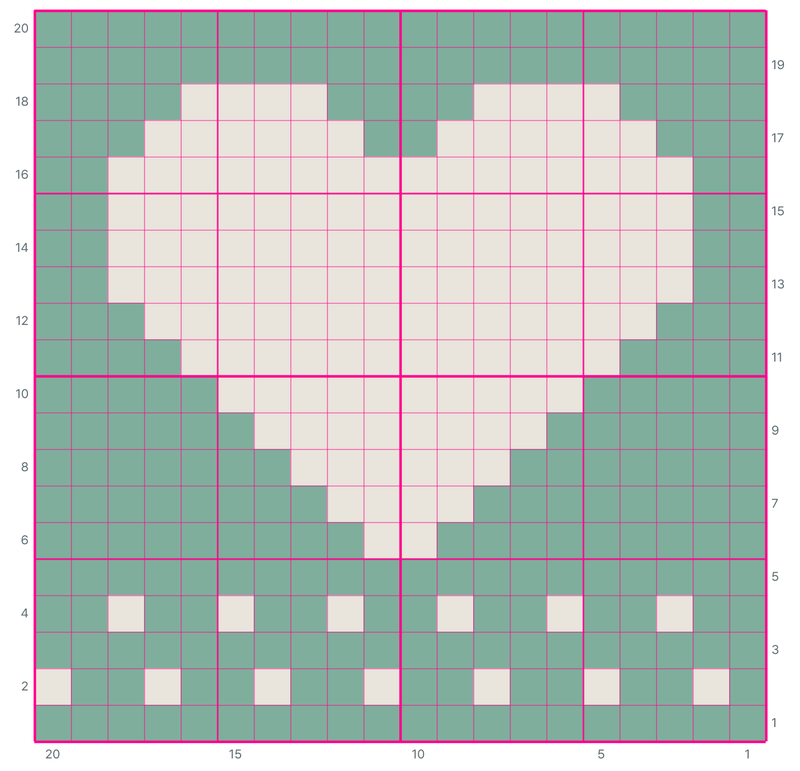
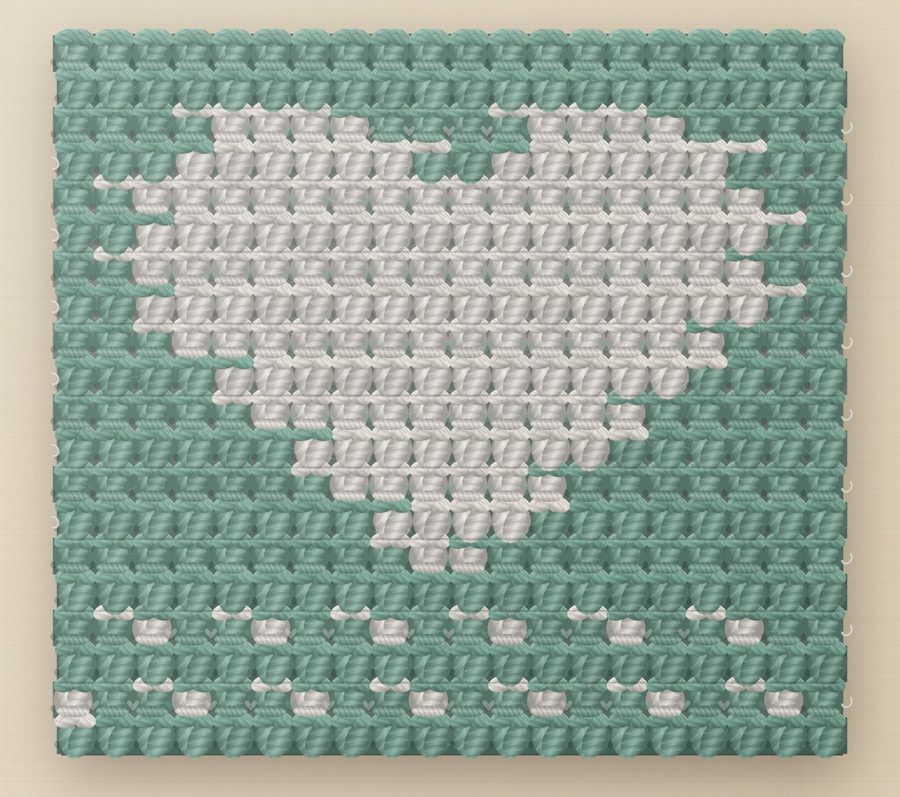
Previews are simulations made from the chart
What would you like to do?
Pick your situation and we’ll open the right screen for it.
- I have a chart imageUpload a pattern chart or your own chart image and see how it will look once worked.Open →
- I want to draw a chartTap squares to place pixels and check your design as stitches right away.Open →
- I’m working on a pieceHighlights the row you’re on and tells you the direction and stitch counts per color, in order.Open →
- I want to organize my patternTurn materials, abbreviations, chart and photos into pattern cards and a PDF.Open →
- I want to log today’s knittingSave a photo and a note of what you made today and see your month on a knit calendar.Open →
Colorwork by Room 312
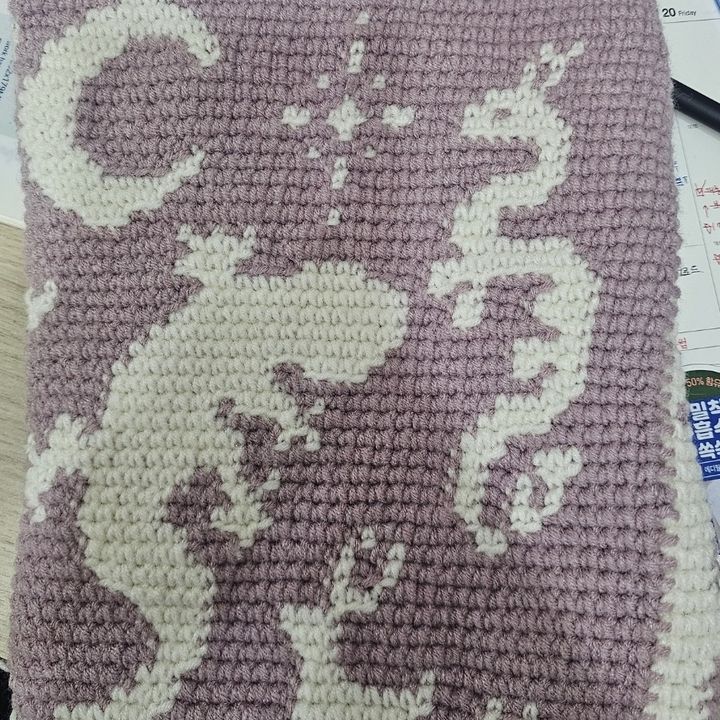
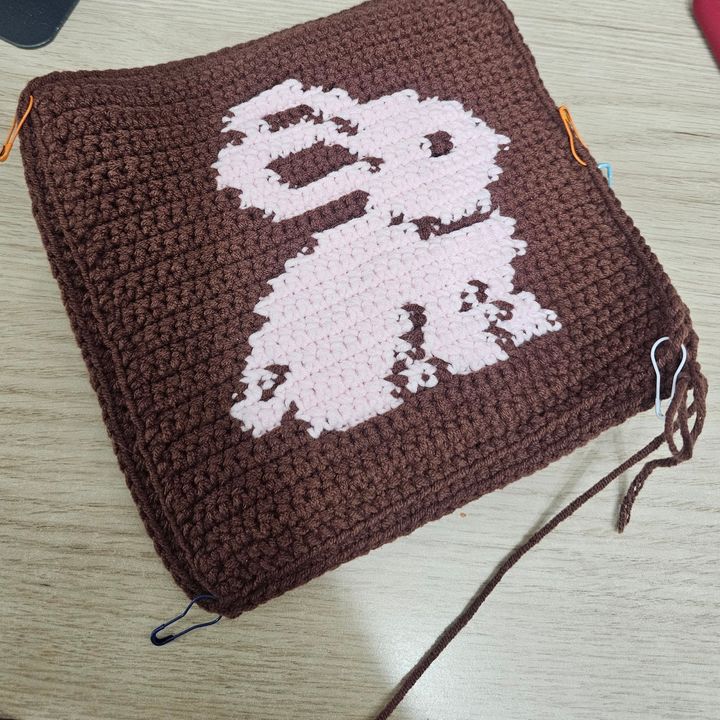
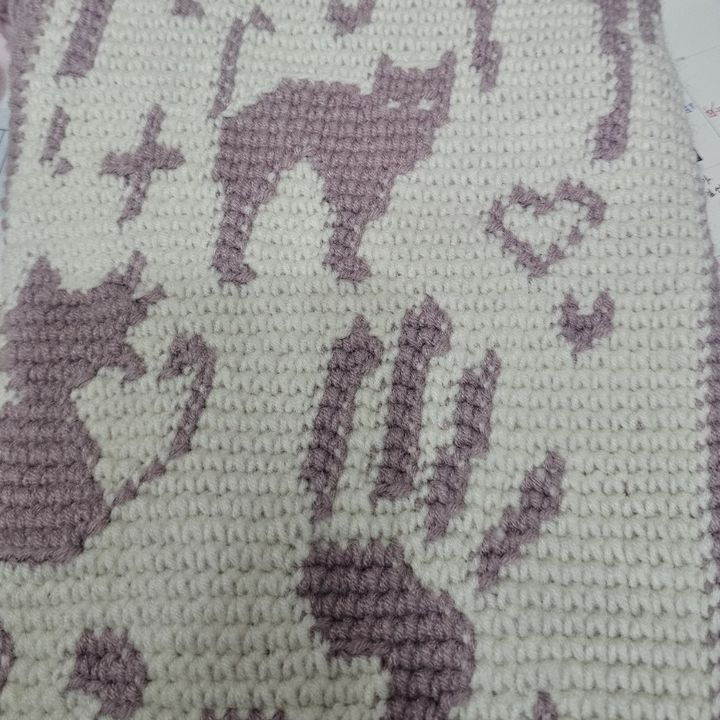
Every time I worked a colorwork piece, I drew red lines across the chart and counted stitches again and again, so I built this tool to take that hassle away. The jagged color edges and stitch shifts in the preview were tuned against real pieces like these.
About the maker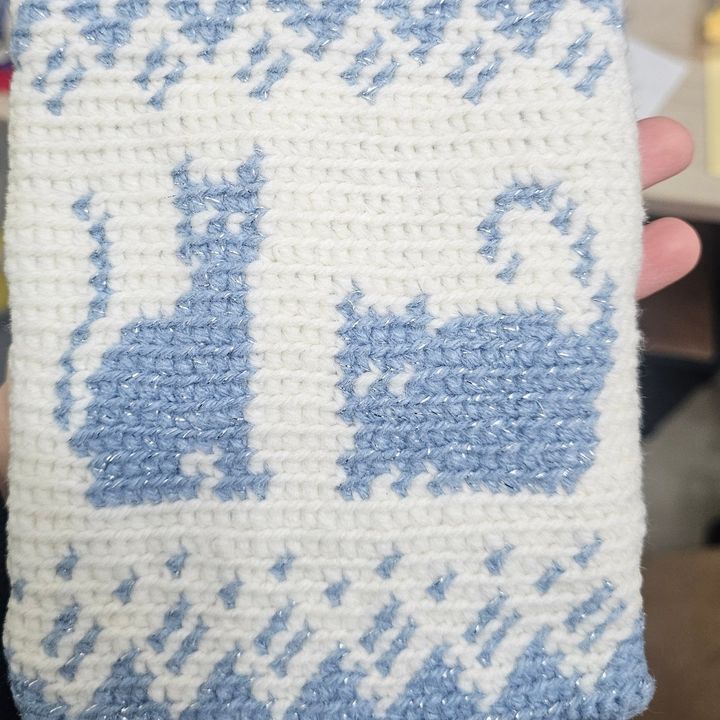
Guide
Things I learned and looked up while working colorwork.
- Getting started with tapestry crochetThe basic principle of tapestry crochet, which makes pictures with single crochet, plus what to prepare and how to pick your first project.
- When to change yarn colors in tapestry crochetFor clean color edges, switch to the new color at the last yarn over of the stitch before the change. Here’s the sequence for single crochet.
- How to read colorwork charts, flat and in the roundWhich side to start reading a chart from, why row numbers appear on both sides, and what’s different when you work in the round.
- Why single crochet colorwork edges look stair-steppedA clean vertical line on the chart looks staggered in the fabric. Here’s why it comes from the structure of a single crochet stitch and how to make it less noticeable.
Questions
Is it really free?
Yes. Every feature is free. Running costs are covered by ads on the guide articles. There are no ads on the tool or the Follow Along screen.
Do I need an account?
No. You can start right away, and your work is saved in the browser you’re using. Sign in with Google to save to your account, continue on your phone and computer, and keep your work even if you clear your browser data.
What kinds of knitting does it support?
It’s made for tapestry crochet in single and double crochet and for stockinette colorwork in knitting. You can choose flat or in-the-round, and right- or left-handed directions.
Can I use the preview images on a shop listing?
Previews are simulations made from the chart and may differ from the real piece. Turn on the “simulated image” label when you use them in a listing, and check your shop’s rules.
Try it with a chart now
A sample heart chart is preloaded, so you can look around even without your own chart.
Start now →